FEATURES
The 10 modules that make up Playium
Each one solves a specific operator pain. Turn them on as you need them — you only pay for what you use.

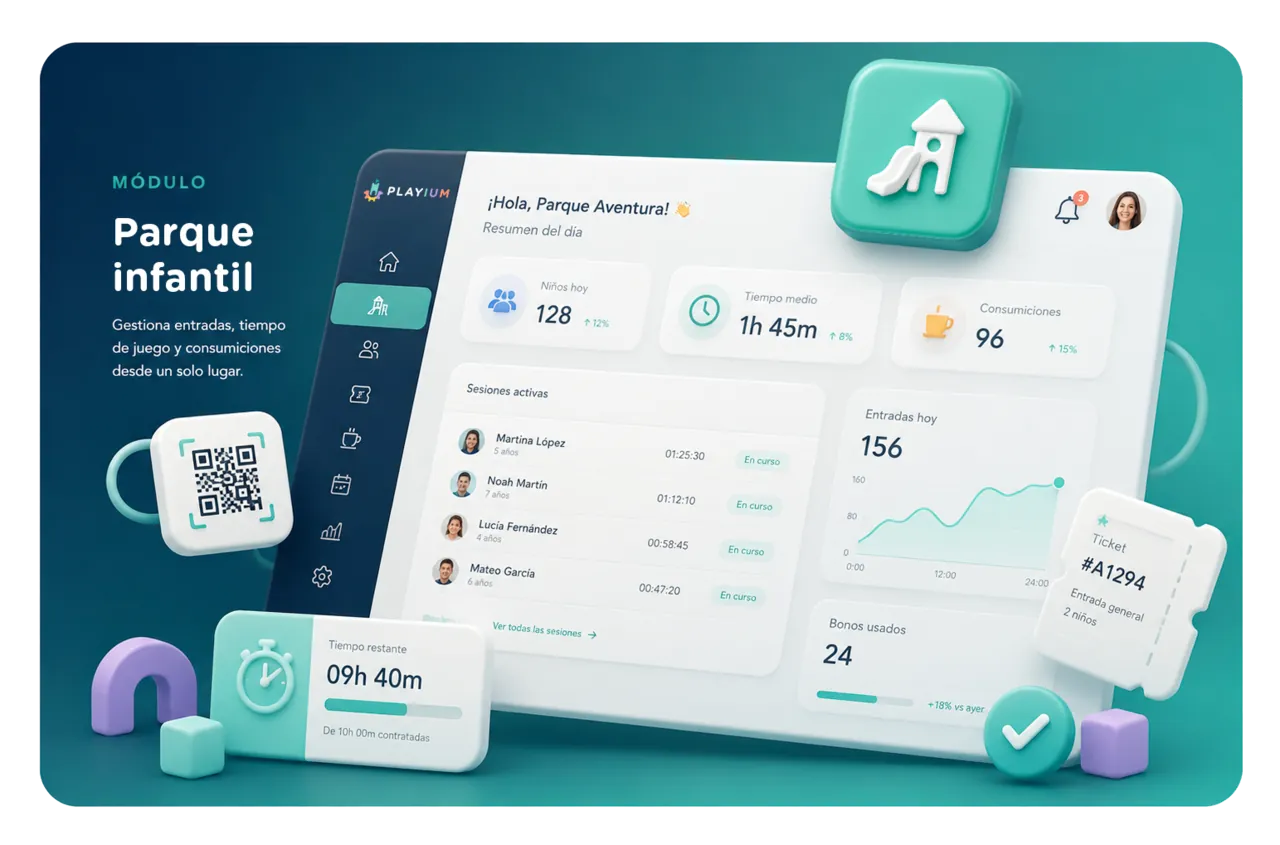
Playground
Every child checks in by scanning a QR or signing up at the counter, and Playium starts the timer automatically. Time is calculated at checkout — no notebook, no discrepancies — and the final receipt rolls session, café orders and pass usage into a single line.
What's included
- Automatic per-child timer from entry to exit
- Combine sessions across multiple children and split bills between families
- Refunds, re-billing and paperless QR check-in
When do you turn it on?
Day one. It's the core module of the front-desk operation and ships with every plan.

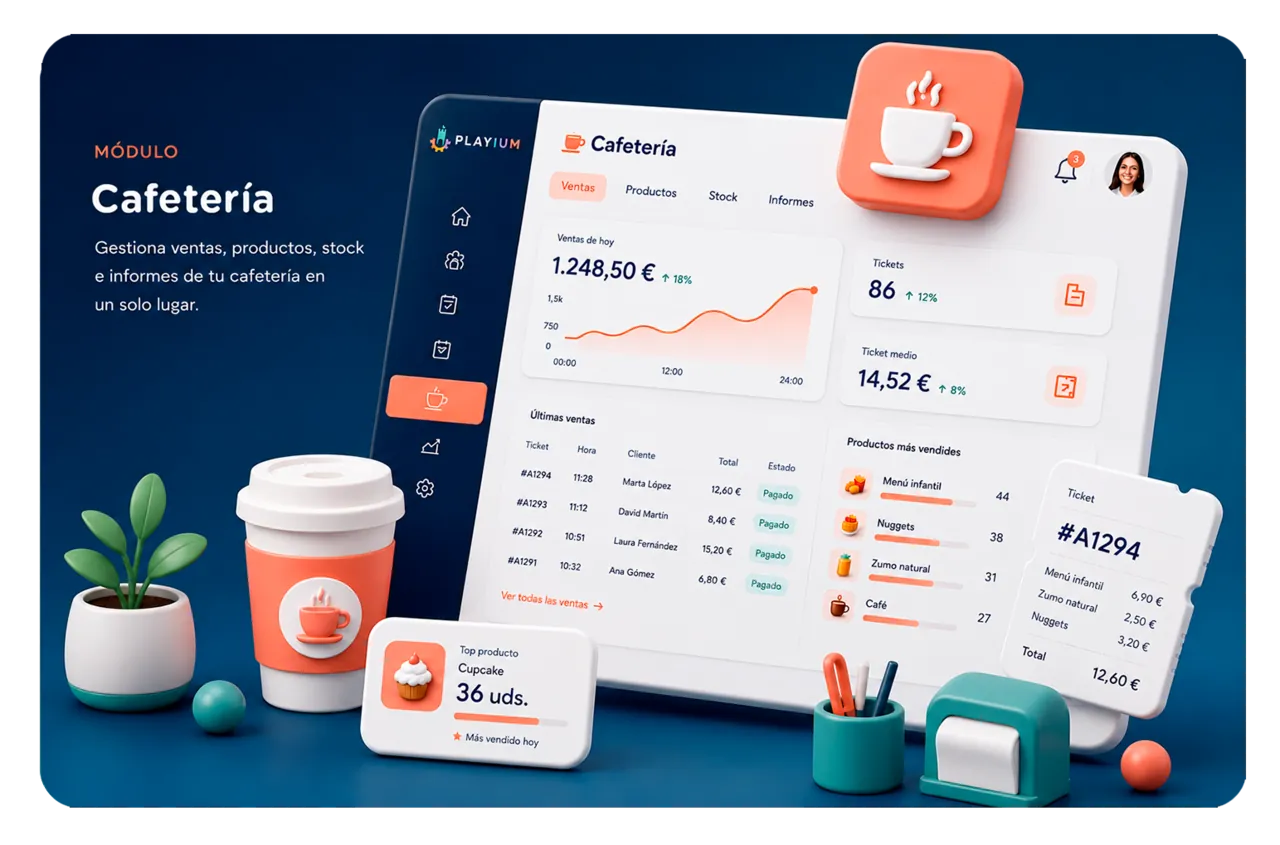
Café
Attach café orders to the active session with one tap. The bill adds itself up at checkout — no matching tickets on a calculator, no jumping between tills. One screen for the playground and the bar.
What's included
- Direct assignment of products to the child or family session
- Independent product catalog with per-venue pricing and stock
- End-of-day close with café orders reconciled in the till summary
When do you turn it on?
When your venue has a bar and you want to bill café orders per session without running a separate POS.
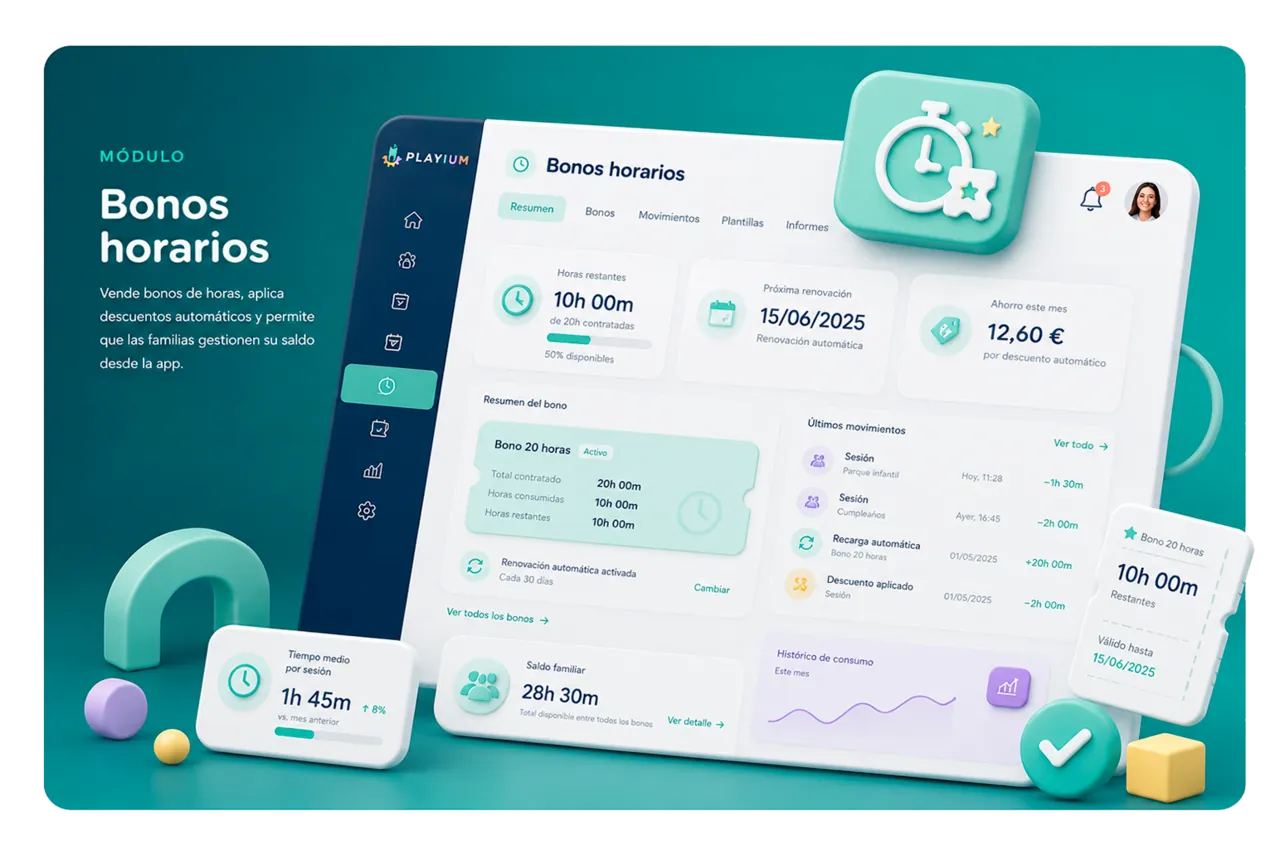
Time passes
Sell prepaid hour packages with a discount. When the family starts their next session, Playium deducts the balance automatically, and the family always knows how many hours are left from the app — no need to ask at the counter.
What's included
- Reusable templates (10 h, 20 h, unlimited) with optional expiry
- Automatic discount per session and balance visible in the family app
- Per-family usage history to retain returning customers
When do you turn it on?
When you notice your regulars come back every week and you want to offer them prepaid packages.

Events
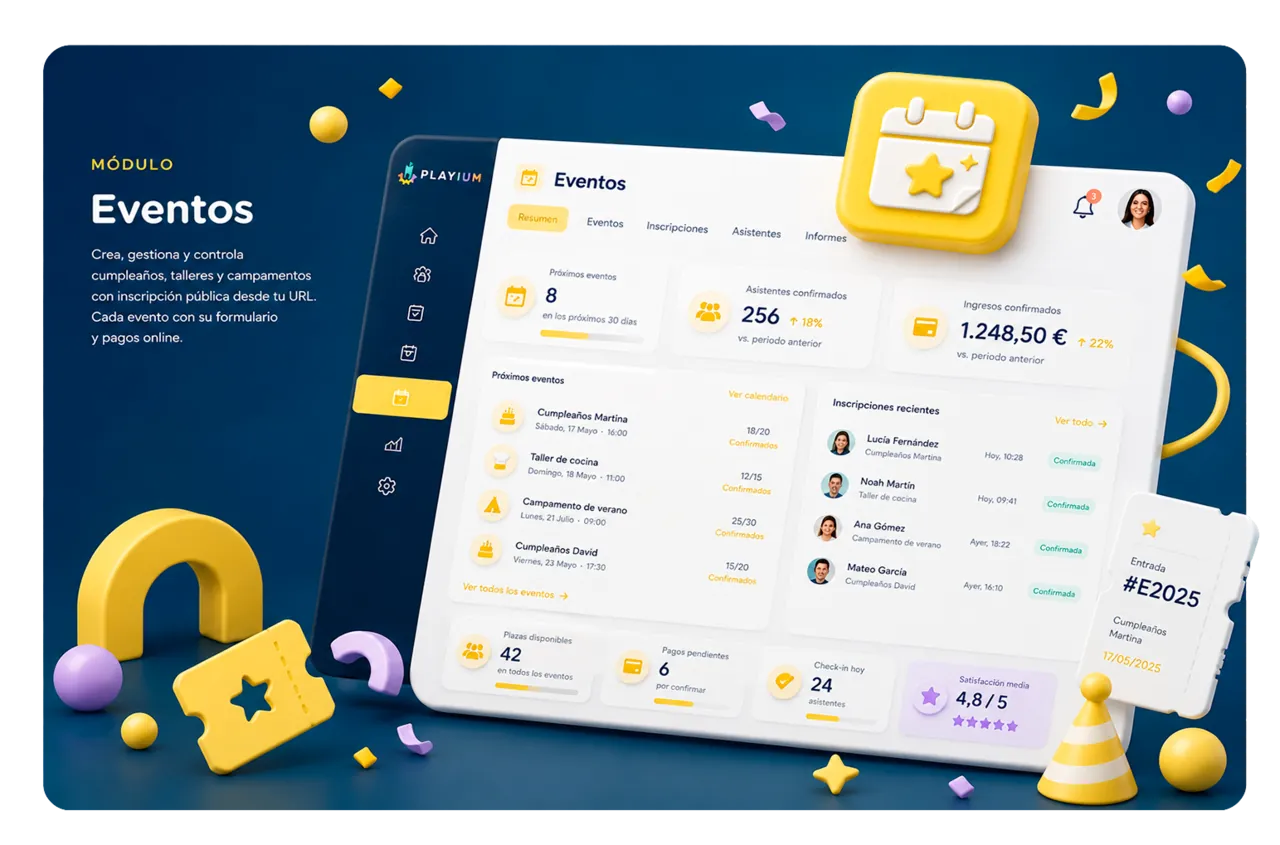
Birthdays, workshops and camps with public registration from your URL. Each event type runs its own form with the fields you need (size, allergies, contact) and families pay online when they sign up. Zero missed calls, zero loose sheets.
What's included
- Form builder per event type (birthdays, workshops, camps)
- Public registration on an embeddable URL with auto-confirmation
- Internal calendar with attendees, payments and operational notes per event
When do you turn it on?
When birthdays and workshops are already managed by hand (paper, WhatsApp, spreadsheets) and bookings slip through.
Memberships
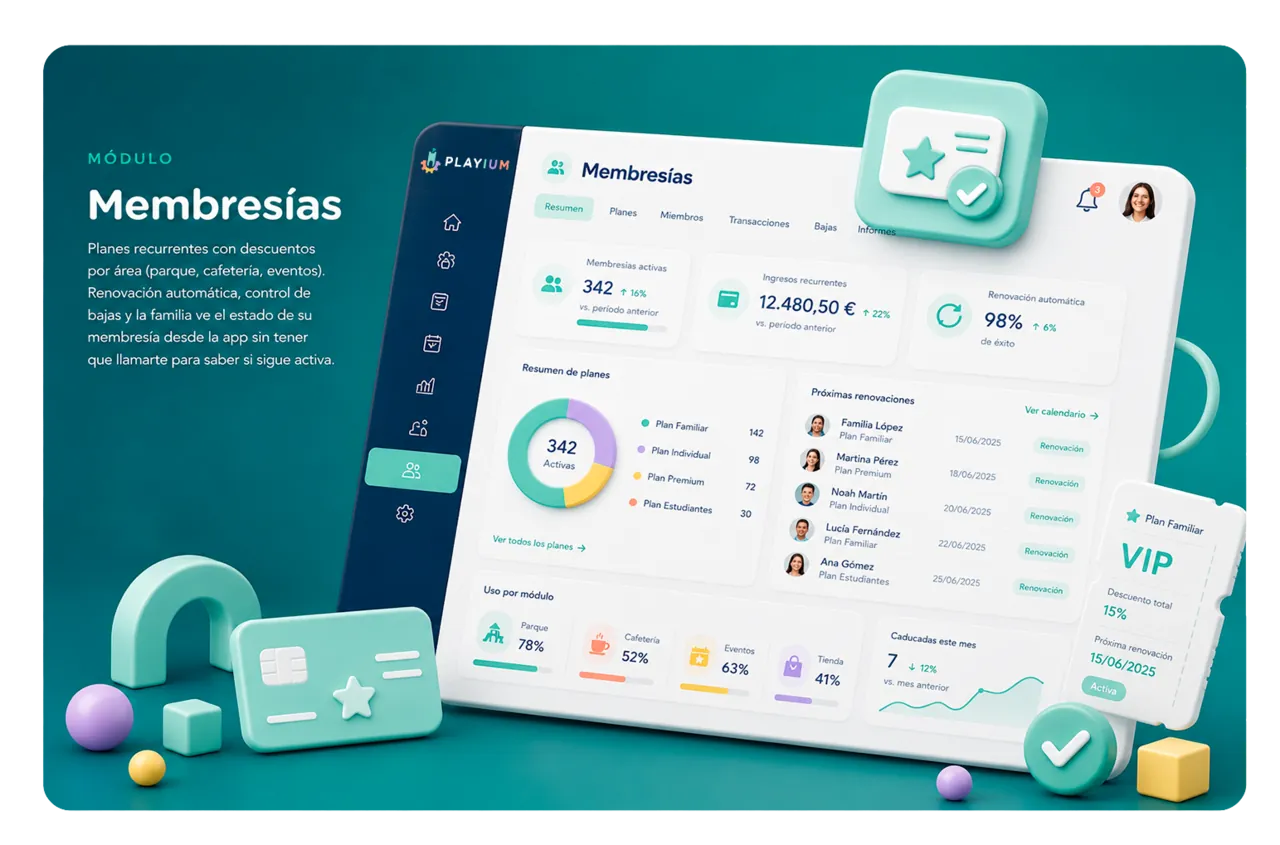
Recurring plans with per-area discounts (playground, café, events). Auto-renewal, controlled cancellations and the family sees their membership status from the app — no calls to ask whether it's still active.
What's included
- Monthly or quarterly plans with discounts configurable per module
- Auto-renewal and controlled cancellation management
- Status and expiry visible to the family from the play-center app
When do you turn it on?
When you want recurring revenue to soften slow months and lift the value per customer.

Dashboard
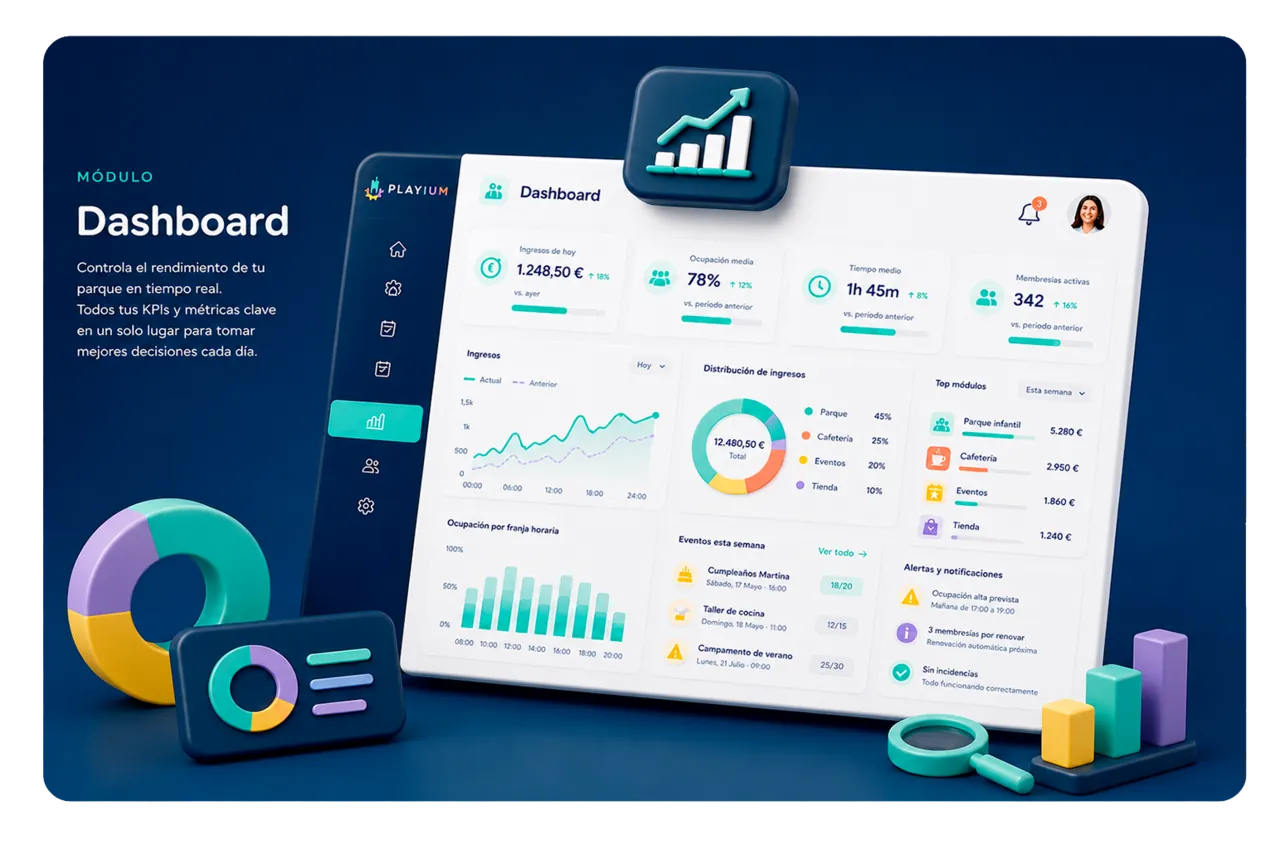
Revenue, occupancy, revenue mix, family repeat rate and pass rankings — the 10 operational KPIs you actually look at in a play center, with no Excel. Each KPI can be shown or hidden depending on what you need to watch today.
What's included
- 10 pre-configured operational KPIs (billing, occupancy, mix, repeat rate)
- Per-user dashboard customization — only see what matters to you
- Date-range filters and comparison against previous periods
When do you turn it on?
Day one if you run more than one venue; or when the till close stops being enough to understand what happened.
QR Easy Pass
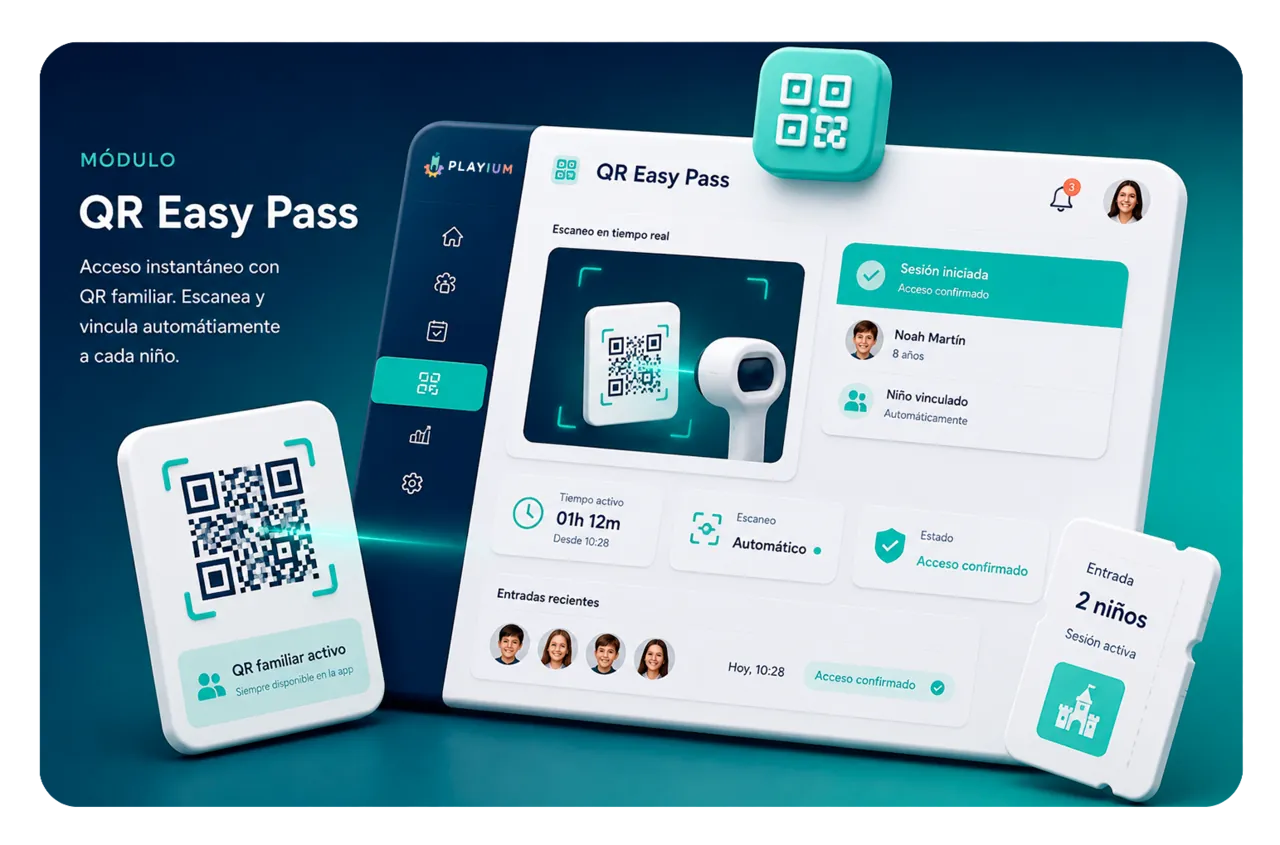
Every family gets a QR in their app. They scan it at the counter and walk in — Playium creates the session, starts the timer and links the right child. Goodbye to Saturday-morning queues.
What's included
- Unique QR per family, generated on sign-up and always available in the app
- Built-in camera scanner at the front desk — instant session on scan
- Automatic resolution when several children from the same family enter together
When do you turn it on?
When your Saturday at 11 a.m. has a queue at the counter and most arrivals are returning families.
Family app
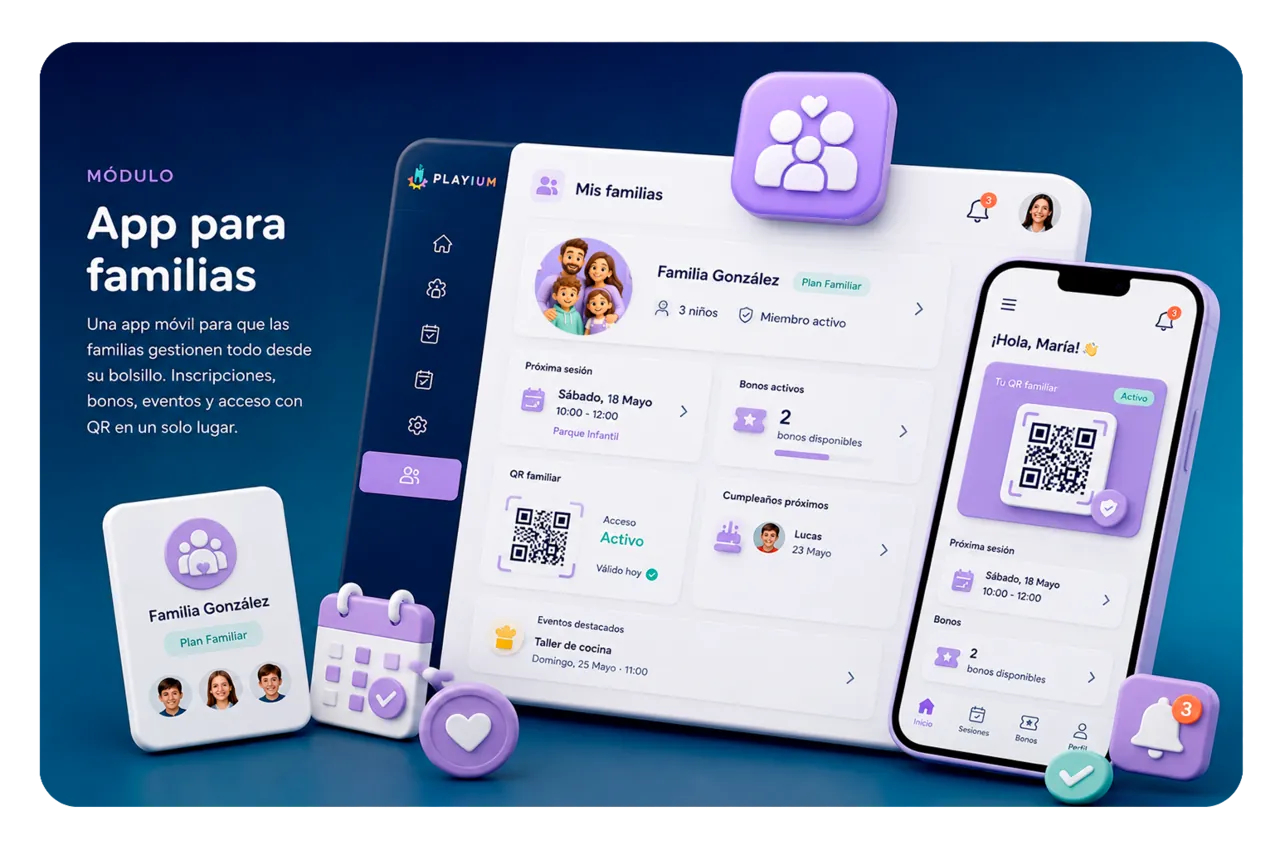
A PWA families install on their phone without going through the App Store or Google Play. They sign up kids for events, buy passes, manage their data and show their access QR. On the Pro plan the app ships with your brand for each venue.
What's included
- Installable from the browser on iOS and Android, no store
- Registrations, passes, events and QR in one app per family
- Per-venue customizable branding (logo, colors, copy) on the Pro plan
When do you turn it on?
When you want families to self-serve (registrations, passes, QR) and stop fielding operational phone calls.
Online payments
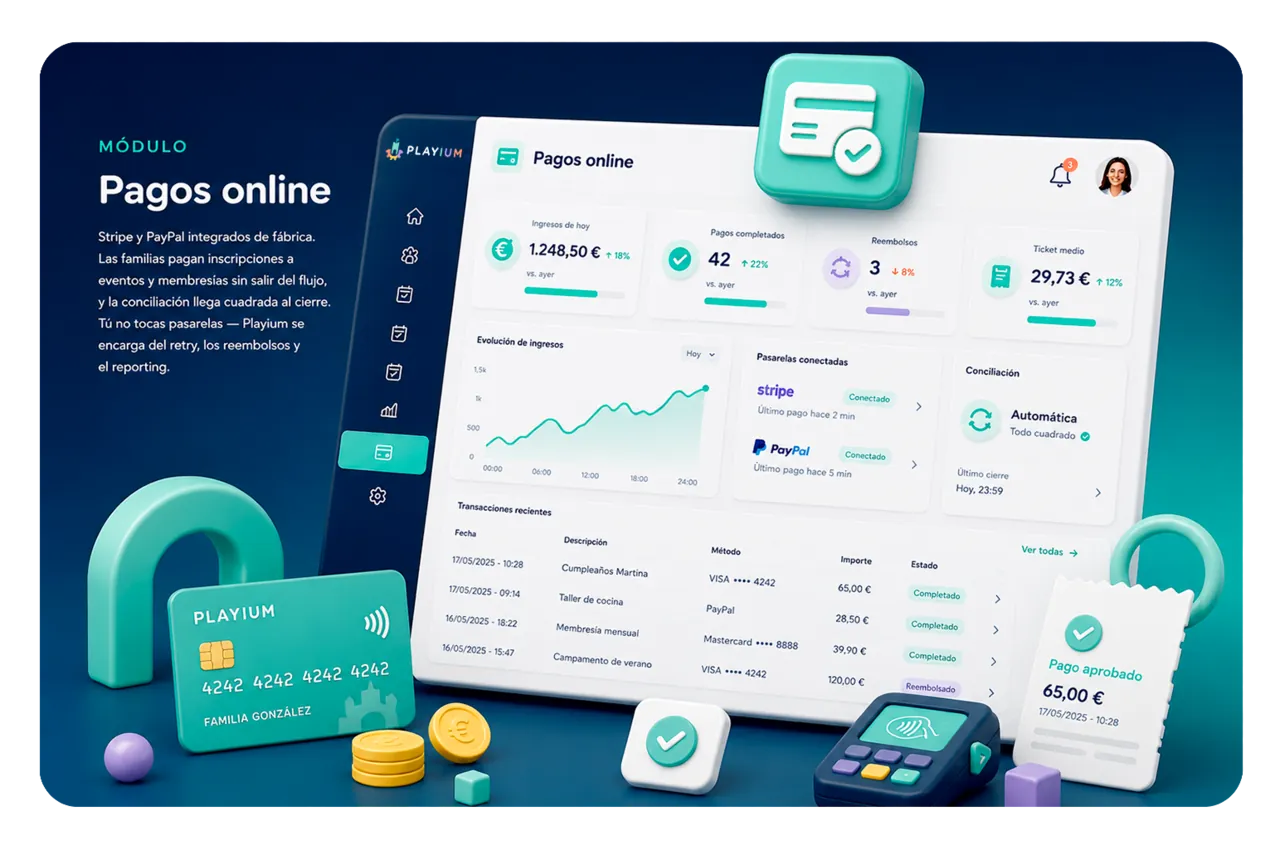
Stripe and PayPal integrated out of the box. Families pay event registrations and memberships without leaving the flow, and reconciliation arrives balanced at end of day. You don't touch gateways — Playium handles retries, refunds and reporting.
What's included
- Stripe Checkout and PayPal Smart Buttons ready with no gateway setup
- Webhooks handled — successful charges, failures and refunds sync automatically
- Online payment reports reconciled with the day's till close
When do you turn it on?
If you sell birthdays, memberships or passes online and need families to pay on signup, not afterwards.

Works offline
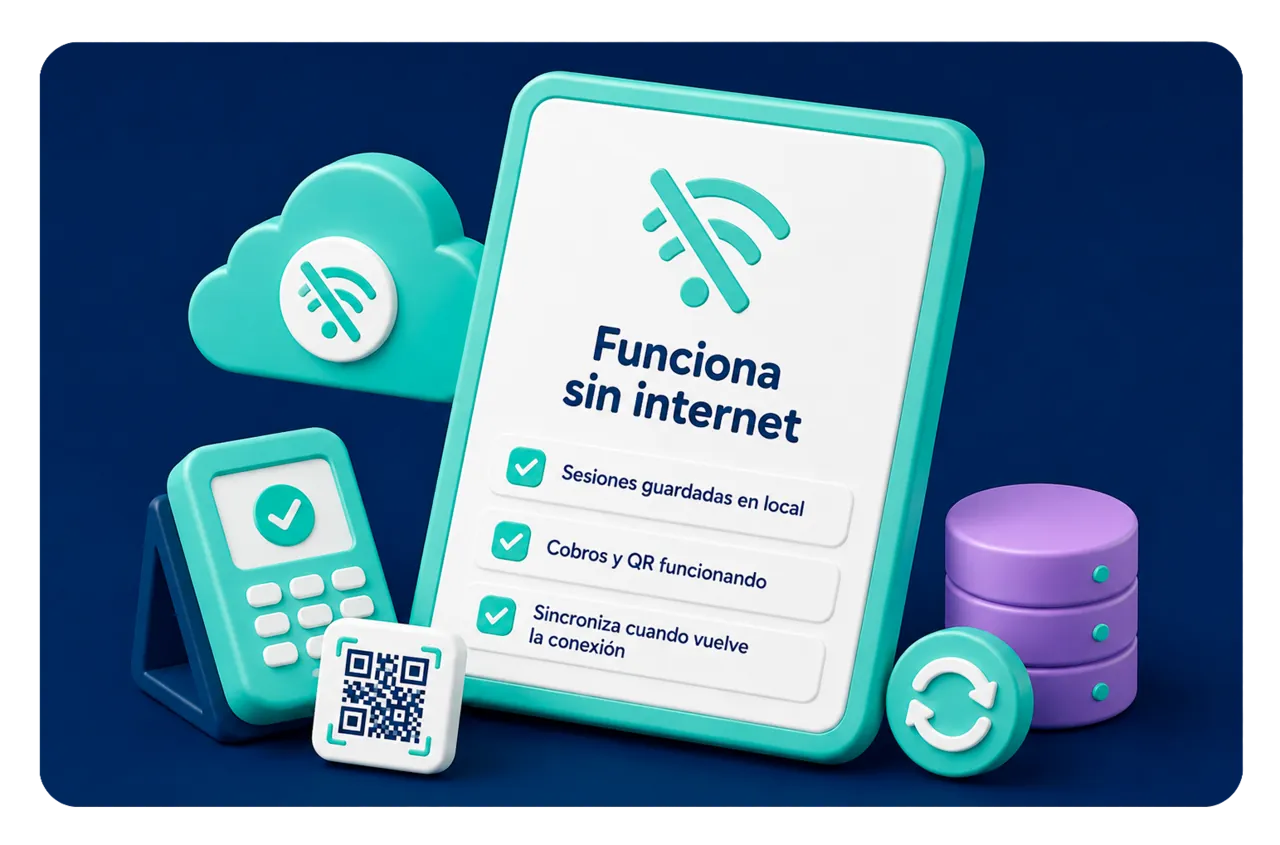
If the wifi drops at 11 a.m. on a Saturday, your front desk keeps charging, opening sessions and scanning QR codes. Playium saves everything locally and syncs when the connection comes back. No more "hold on, I'm calling the tech" mid-shift.
What's included
- Full offline operation at the counter — sessions, payments and QR working
- Automatic sync queue when the connection comes back
- Network status indicator always visible, no surprises at close
When do you turn it on?
On by default. You don't notice it until the wifi drops on a Saturday — and then it saves the day.
Right fit for your play center?
Tell us how your venue runs and we'll put together a 30-min demo with your data.
Talk to sales